How To Test My SportDOG® 425X, 425XS and 425XCamo
Confirm Remote and Collar Are Paired
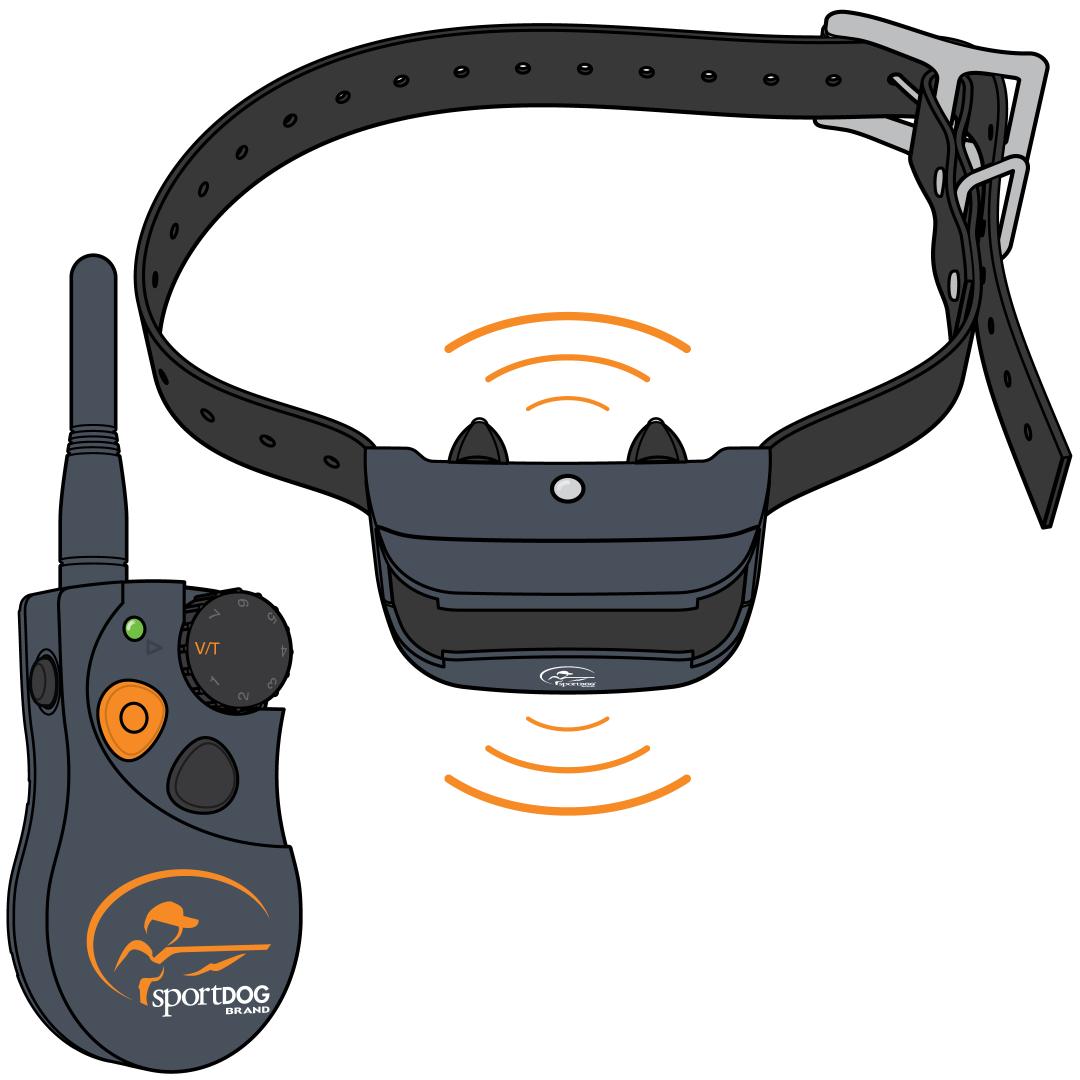
Turn on the collar.
- Press and release the power button.
- The collar will glow green and beep to confirm it is on.
Adjust your intensity dial to V/T.
Press and hold the upper button with the bump on the front of the remote.
- If you are testing multiple collars, press the remote button that the collar is paired to.
- Your collar should vibrate or tone depending on the current mode.
Pair your remote and collar if it is not responding.
- For information on pairing, visit How To Pair a Collar to My SportDOG® 425X, 425XS and 425XCamo.
Confirm Remote and Collar Are Paired Using Static Stimulation
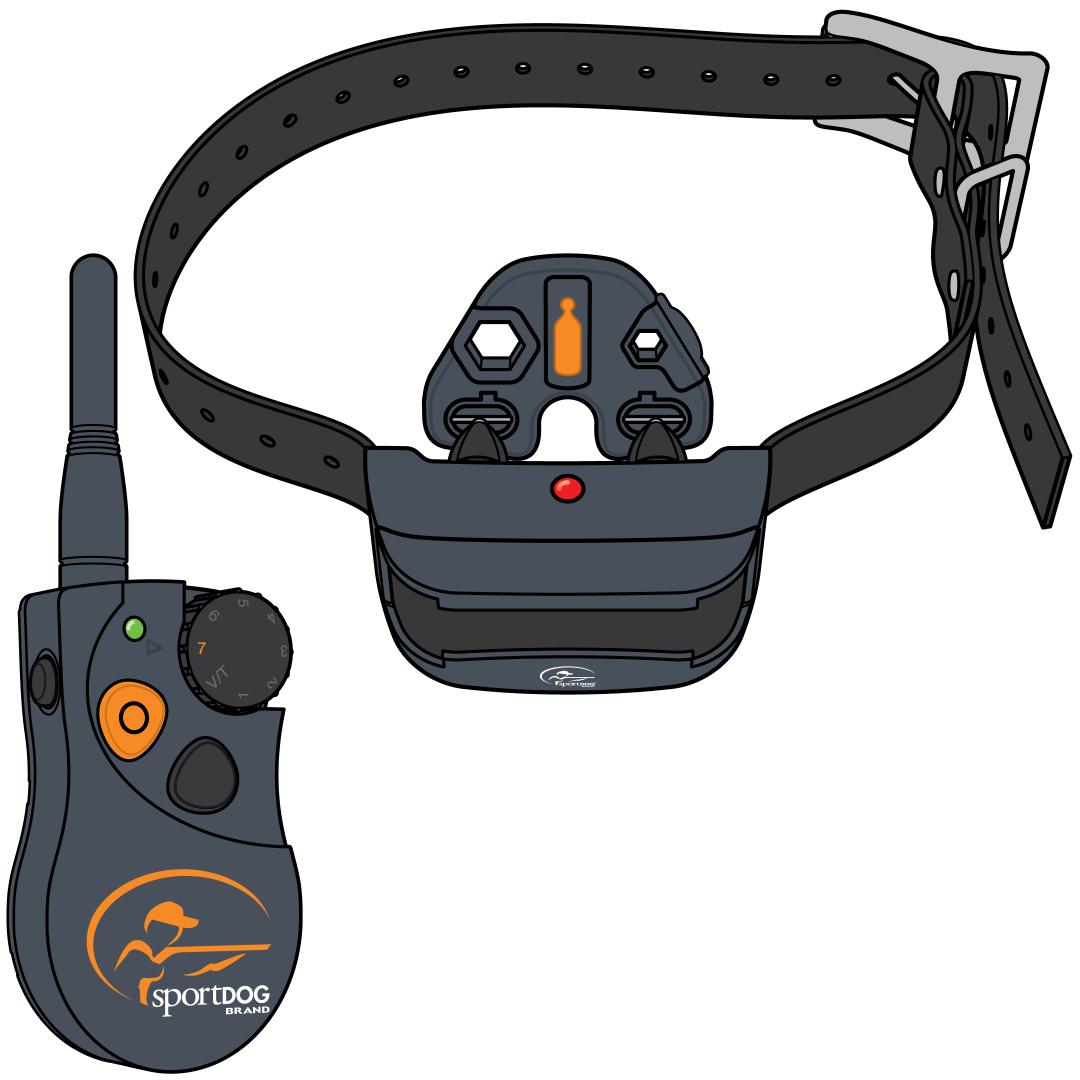
Turn on the collar.
- Press and release the power button.
- The collar will glow green and beep to confirm it is on.
Adjust your intensity dial to 7.
- The higher the simulation, the more visible the light on the Test Light Tool will be.
Hold the Test Light Tool to the Contact Points.
- Make sure the wires on the Test Light Tool are making contact with the Contact Points.
- Tip: Avoid touching the Contact Points to prevent feeling the static stimulation.
Press and hold the upper button with the bump on the front of the remote.
- If you are testing multiple collars, press the remote button the collar is paired to.
- The Test Light Tool will flash amber to indicate the collar is delivering a static stimulation.
Confirm Range
Turn on the collar.
- Press and release the power button.
- The collar will glow green and beep to confirm it is on.
Adjust your intensity dial to V/T.
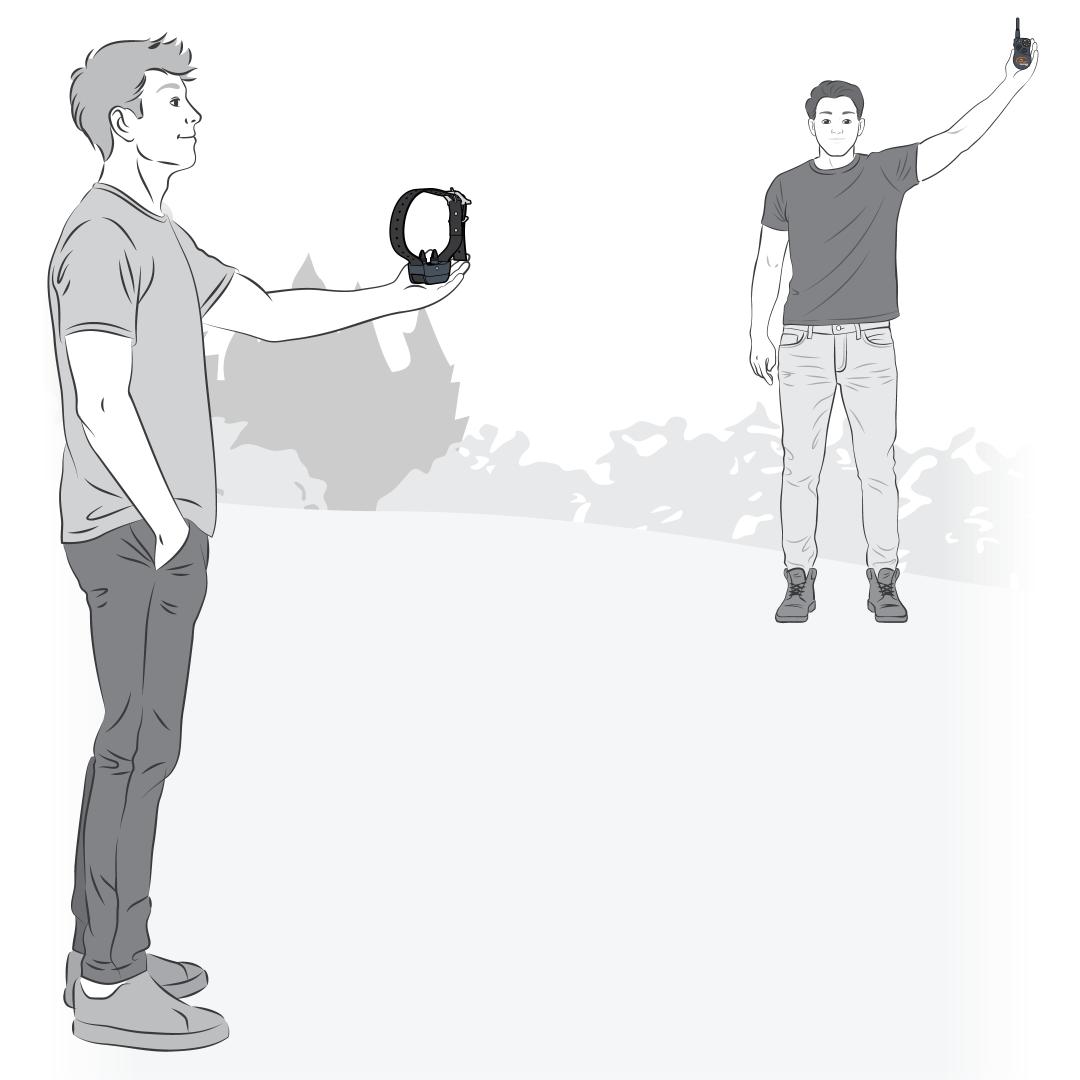
Give the collar to a partner. Have them start at a close range.
Press and hold the upper button with the bump on the front of the remote.
- If you are testing multiple collars, press the remote button that the collar is paired to.
- Your collar should vibrate or tone depending on the current mode.
Slowly move farther apart.
- Each time you test and confirm that it works, take another step apart.