How To Pair a Collar to My SportDOG® 425X, 425XS and 425XCamo
Before You Start
- Make sure your remote is set to your desired mode. If you have multiple collars, you need a multi-dog mode. For more information and assistance, visit How To Change the Modes on My SportDOG® 425X, 425XS and 425XCamo Remote.
- To pair, you need the remote and all collars being paired. If you need to purchase additional collars, visit the following links.
Pairing 1 Collar
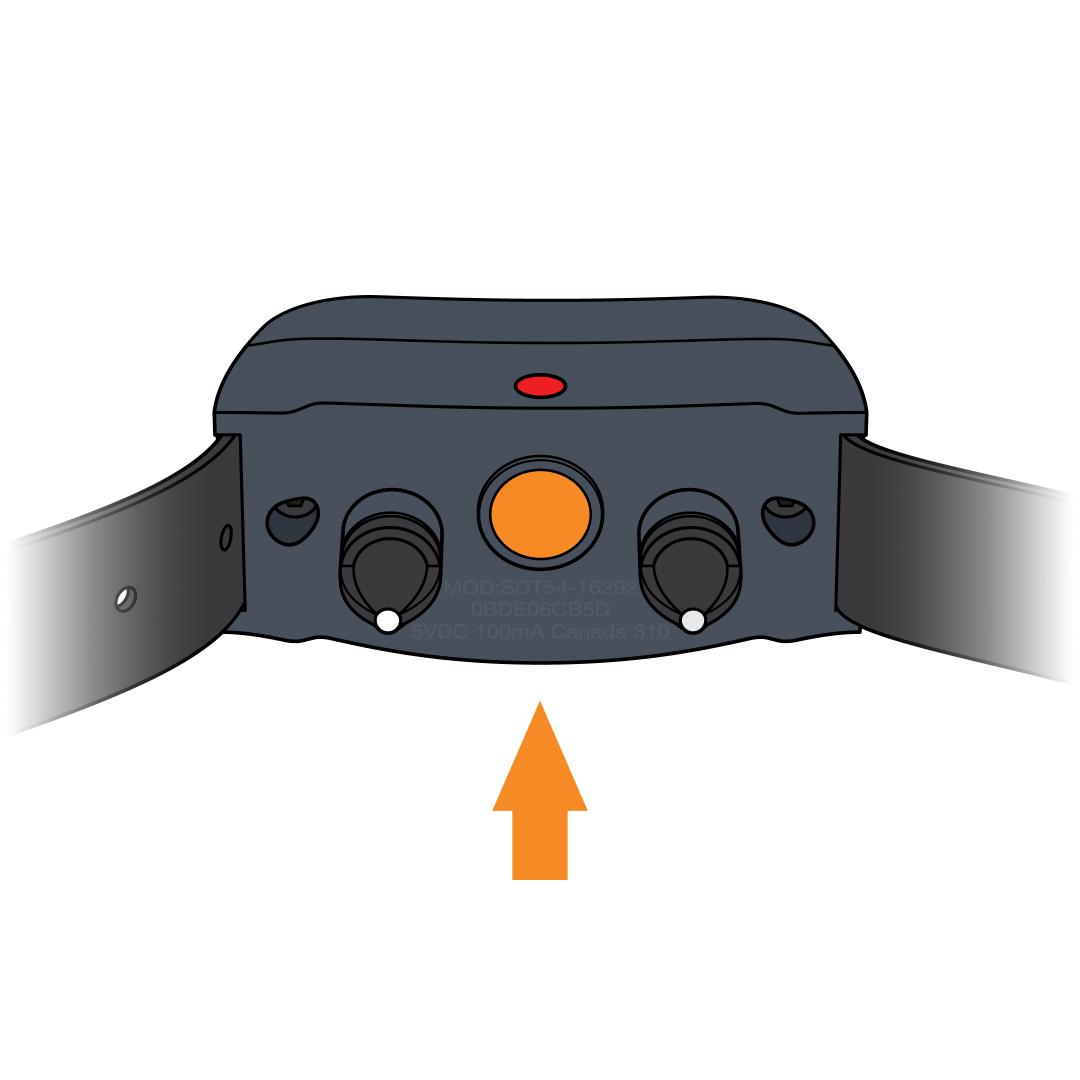
Ensure the collar is off.
- Wait 10 seconds and confirm no lights to confirm the collar is off.
- To turn it off, press and hold the power button until the light turns red.
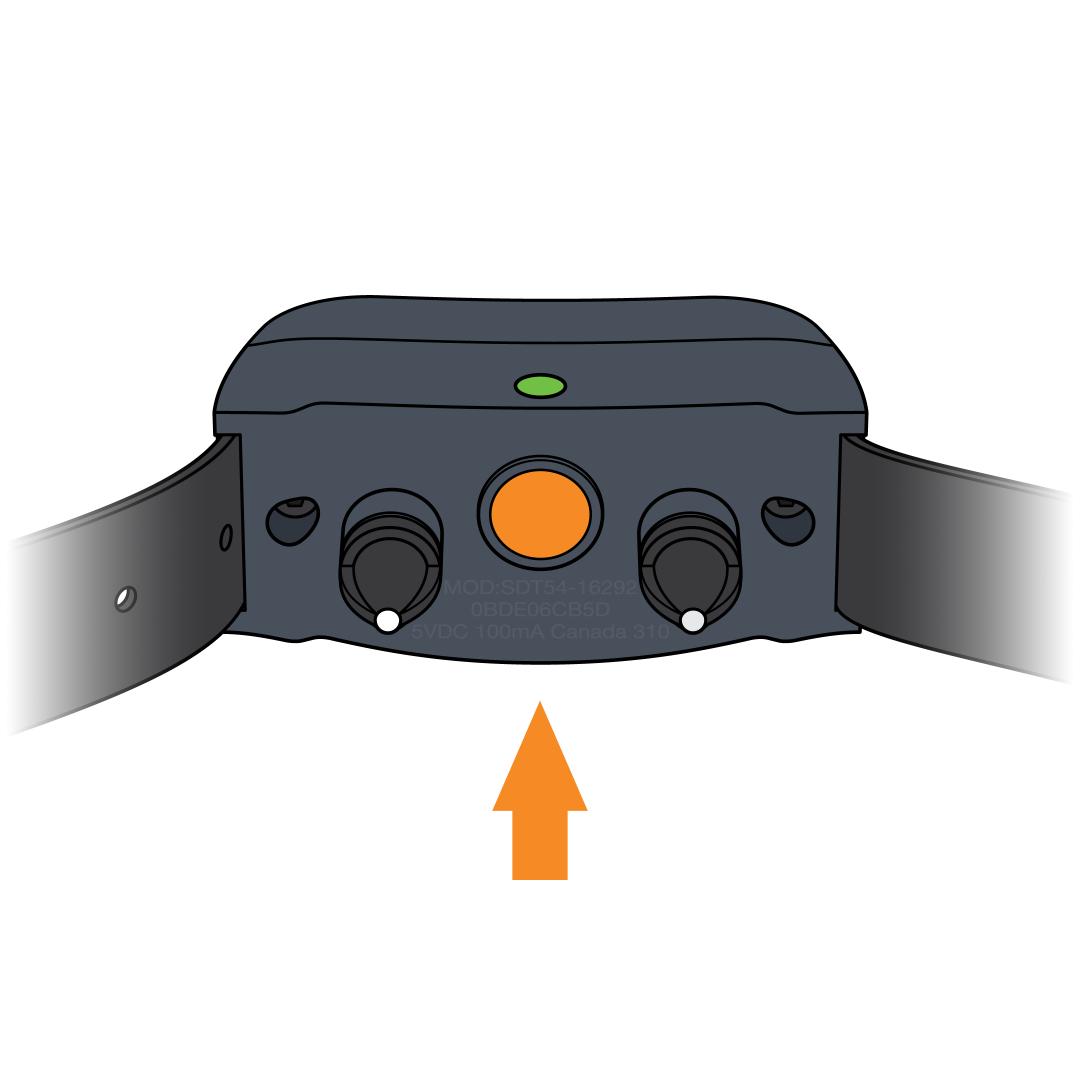
Put the collar in pairing mode.
- Press and hold the power button on the collar. The Indicator Light will turn green.
- Continue to hold until the light goes out, then release the power button.
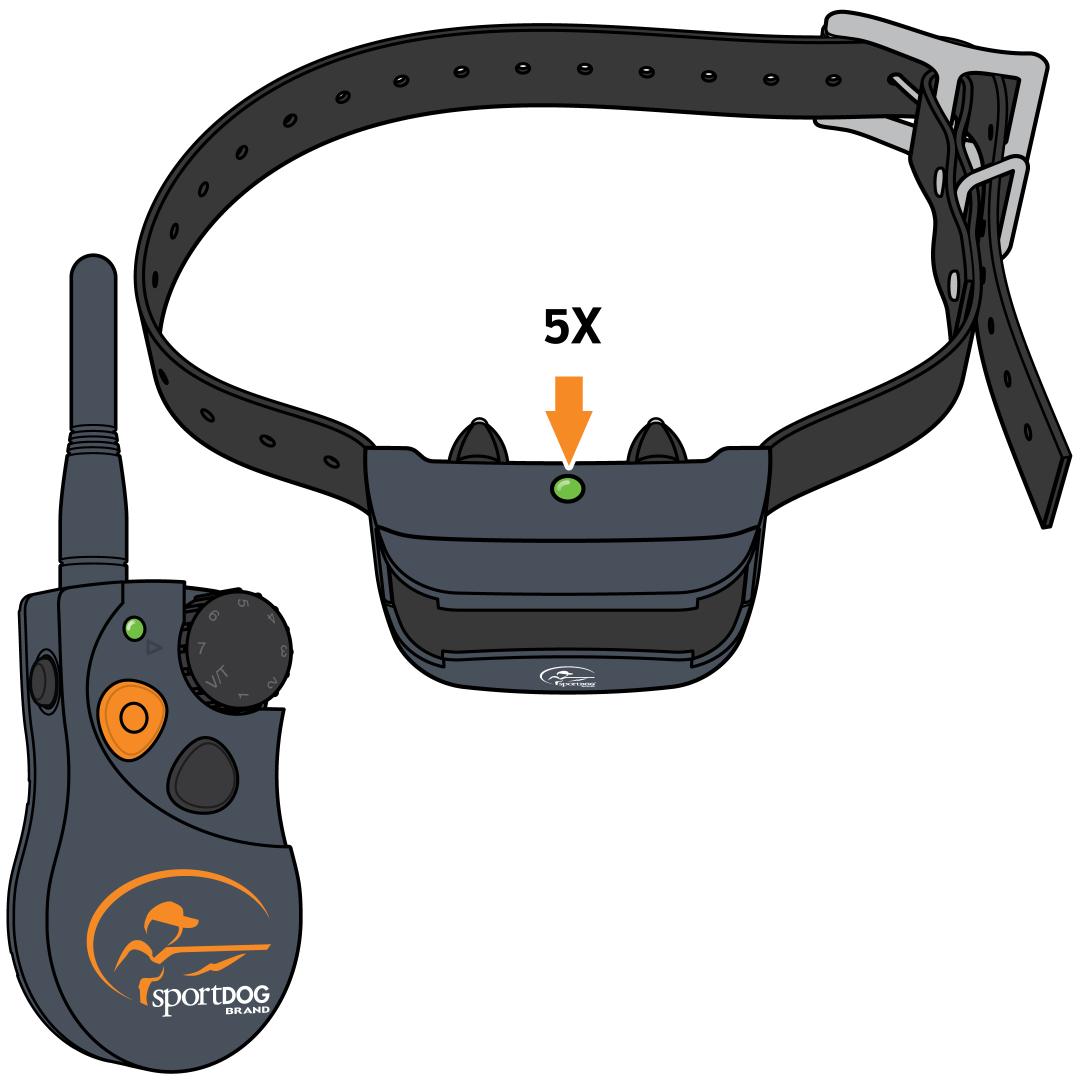
Pair with the remote.
- Press and hold the upper button with the bump on the remote until you see the collar flash green 5 times. Your remote and collar are now paired.
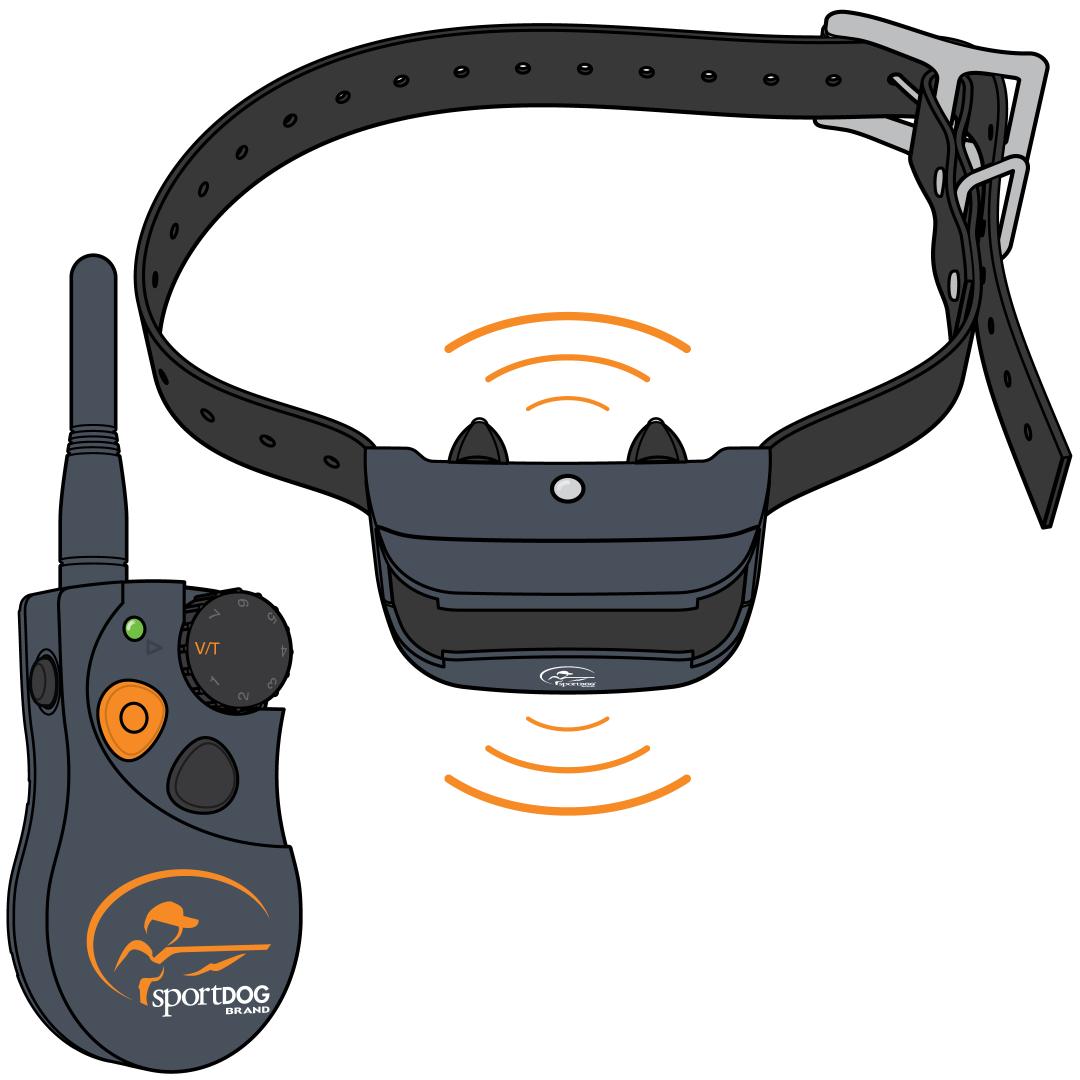
Test pairing.
- Turn the Intensity Dial to V/T.
- Press the upper button with the bump. The collar should vibrate or tone depending on the mode.
- If you do not hear a tone or feel a vibration, repeat the pairing process.
Pairing 2 or 3 Collars
Reminder: The remote must be in a multi-dog mode to pair more than one collar. Modes allow you to change the function of the buttons. There are 2 multi-dog modes, and both allow you to have static stimulation.
- Choose Mode 3 if you want the ability to signal a tone to your dogs.
- Choose Mode 4 if you want the ability to signal a vibration to your dogs.
For more information and assistance, visit How To Change the Modes on My SportDOG® 425X, 425XS and 425XCamo Remote.
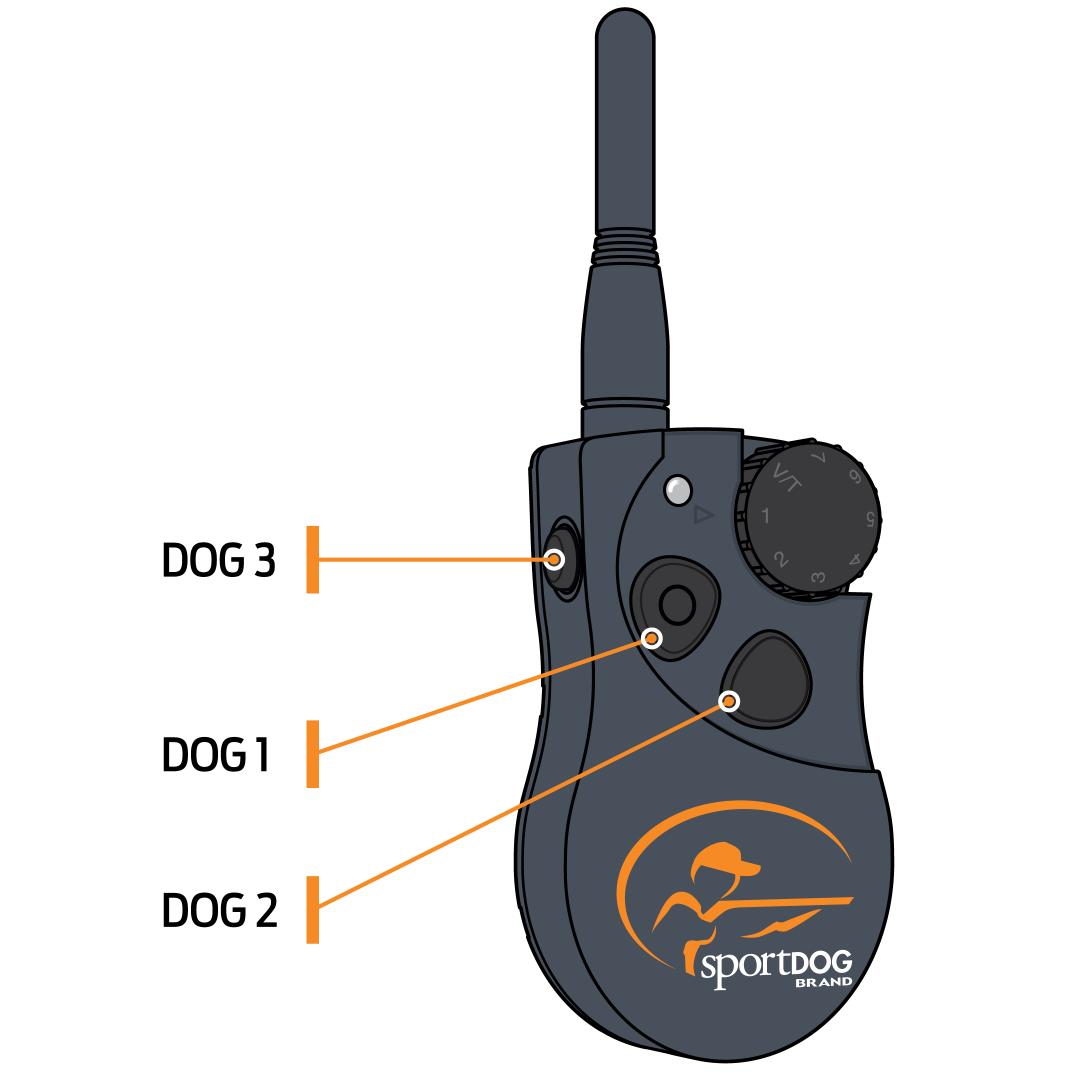
After changing to a multiple-dog mode, each button on your remote transmitter will now control one collar.
If you already have a collar paired to your remote transmitter before changing modes, that collar will default to the upper button with the bump and will not need to be paired again.
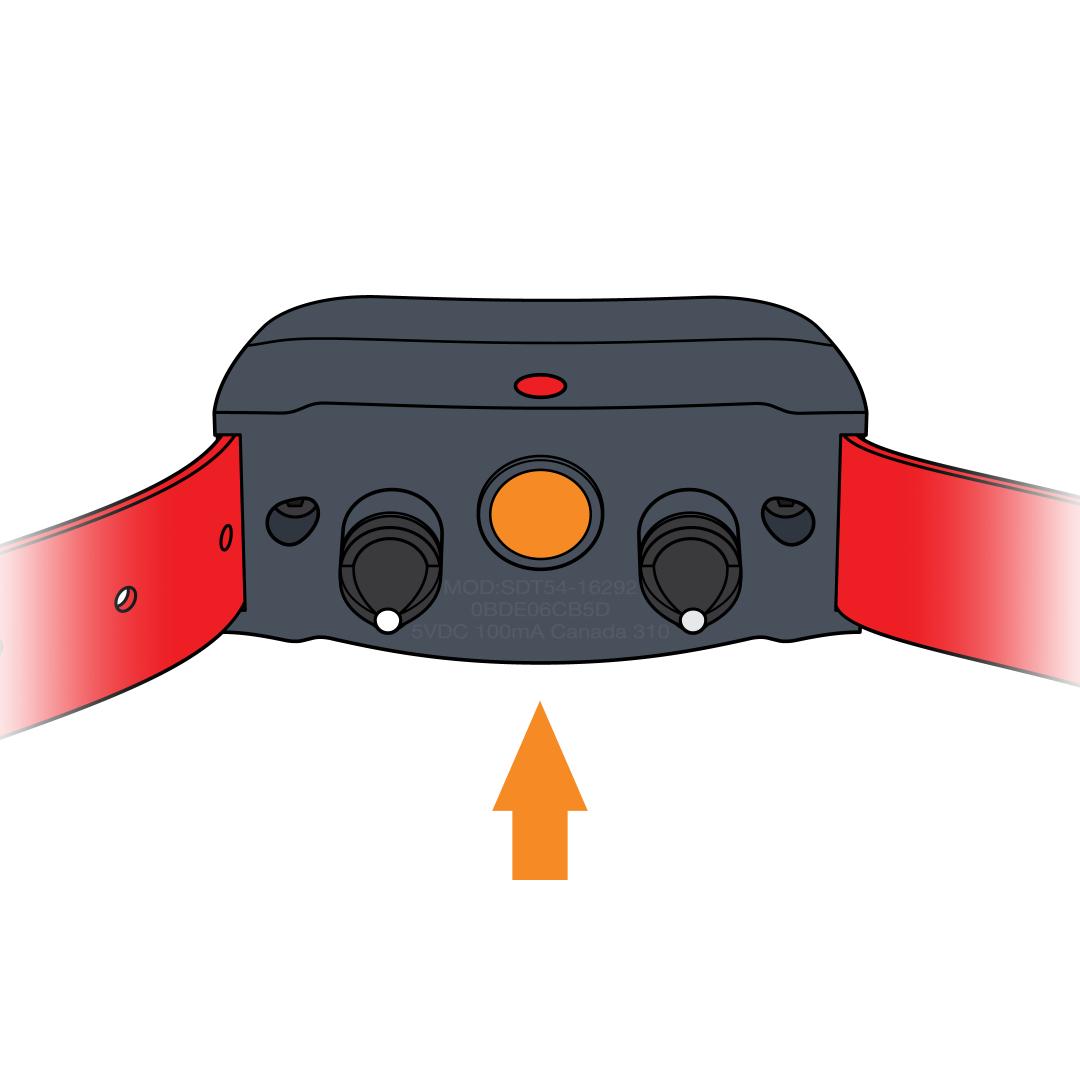
Ensure the collars are off.
- Wait 10 seconds and confirm no lights to confirm the collars are off.
- To turn one off, press and hold the power button until the light turns red.
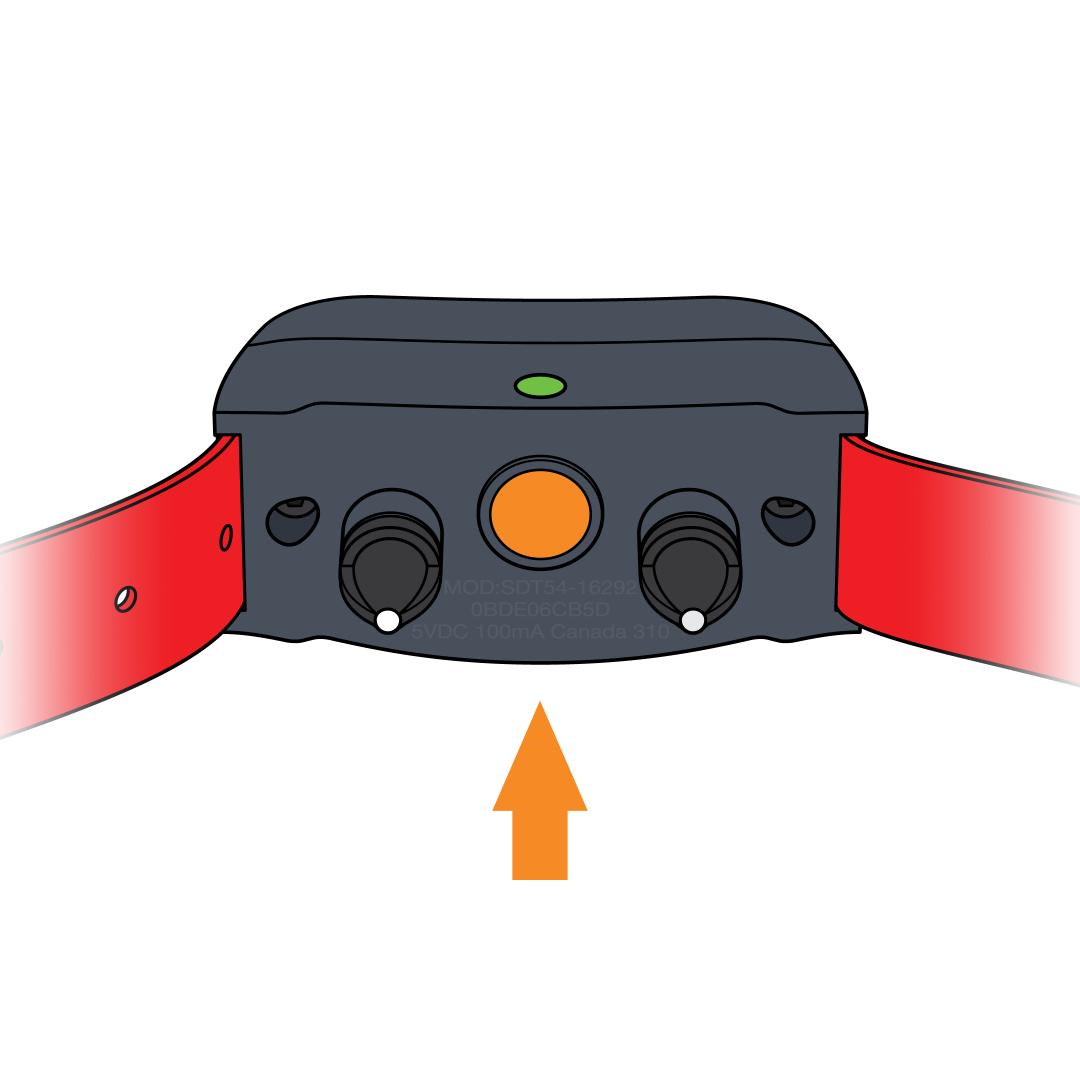
Put the first collar in pairing mode.
- Press and hold the power button on the collar. The Indicator Light will turn green.
- Continue to hold until the light goes out, then release the power button.
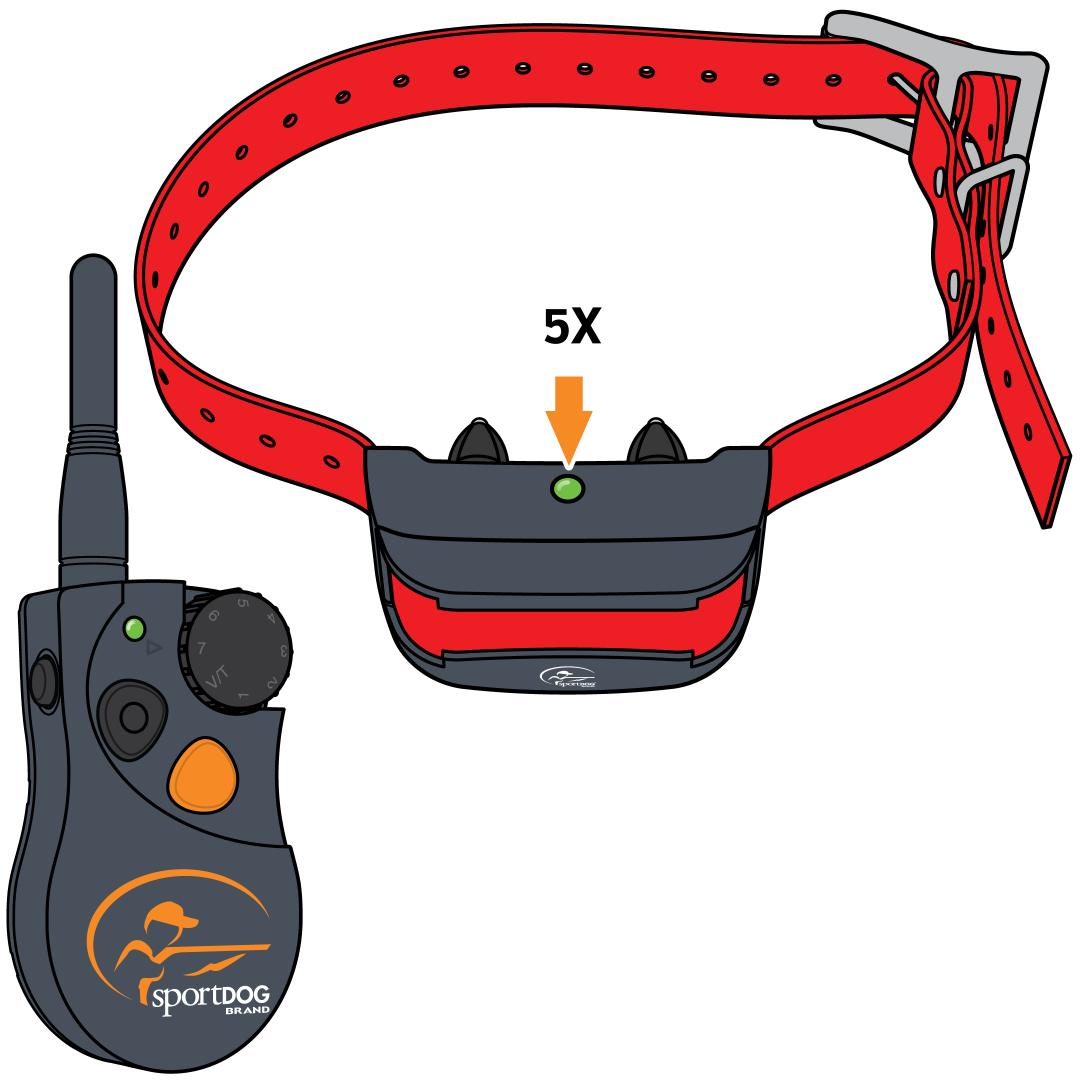
Pair with the remote.
- Press and hold the button on the remote that you want to correspond with that collar until you see the collar flash green 5 times. The collar is now paired
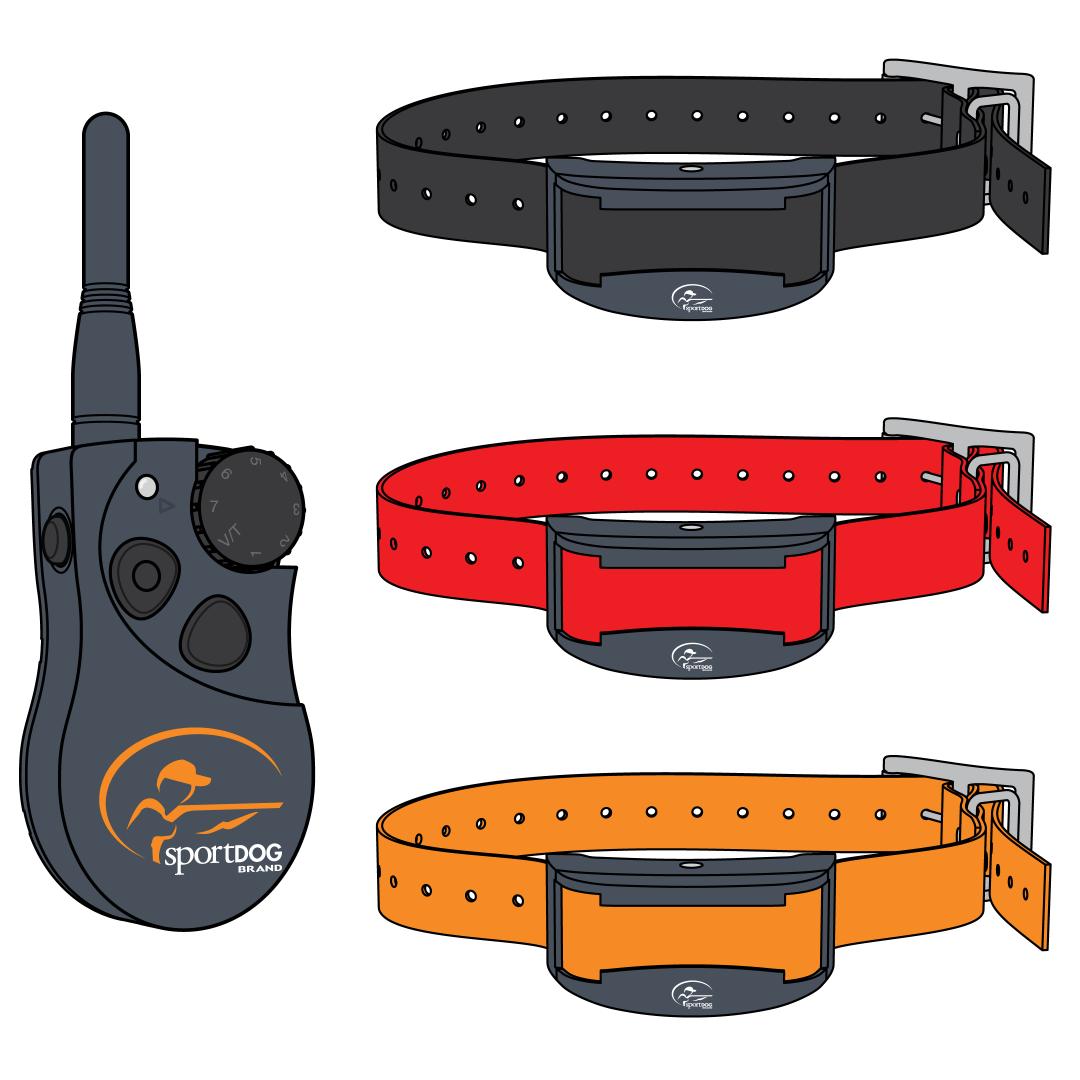
Repeat.
- Start these steps over for each additional collar. Be sure to pair each collar to a separate button on the remote
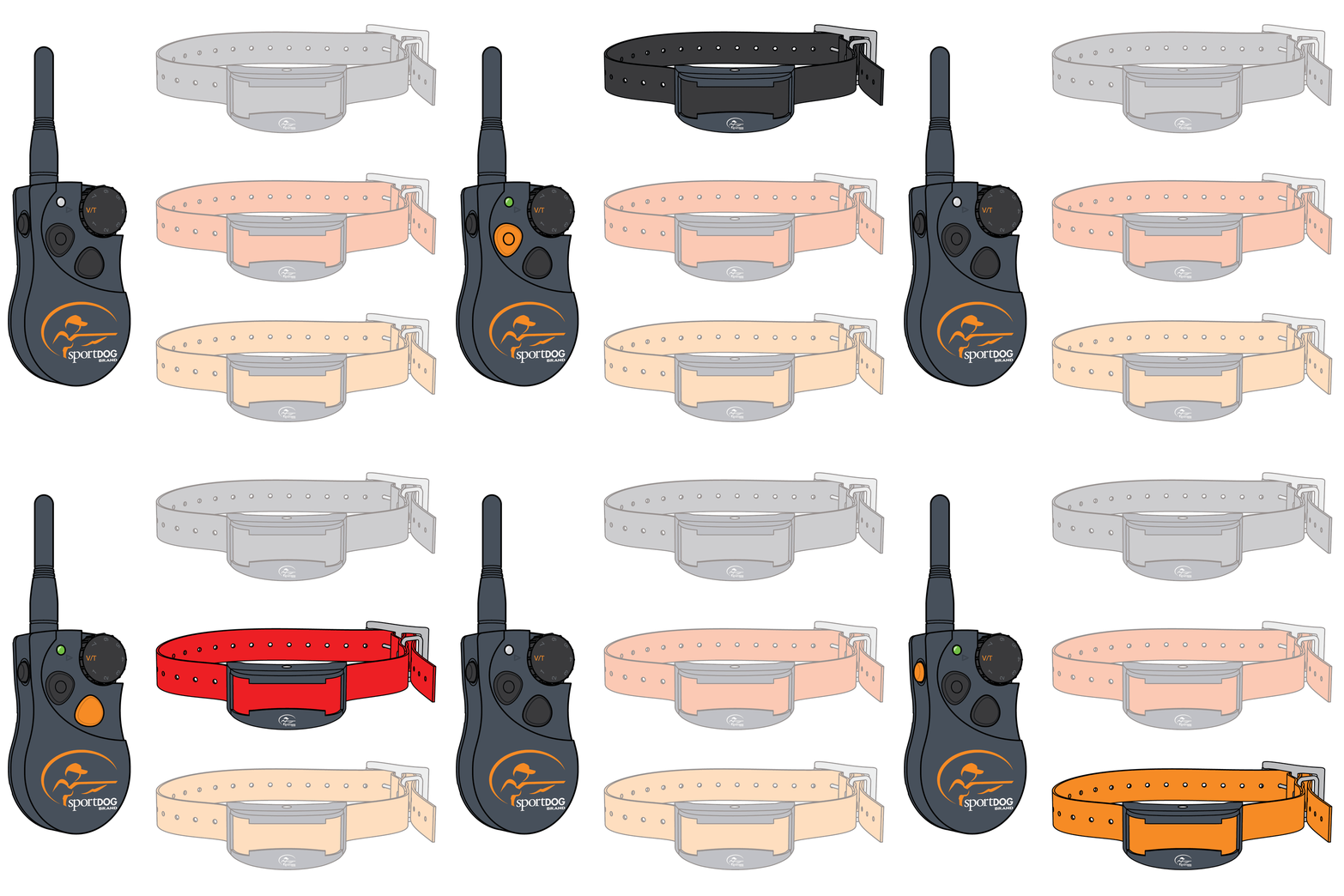
Test pairing.
- Turn the Intensity Dial to V/T.
- Press the button that you selected to control the collar. The collar should vibrate or tone depending on the mode.
- If you do not hear a tone or feel a vibration, repeat the pairing process.