How To Charge My SportDOG® 425X, 425XS and 425XCamo
Get The Most Out of Your Battery
- Charge only what’s needed. The collar typically needs charging more often than the remote.
- Remote low battery: Red light when any button is pressed.
- Collar low battery: Red flash every 4–5 seconds.
(Note: A solid red light during static stimulation is normal and not a low battery indicator.) - Turn the collar off between charges: Press and hold the power button until the light turns red.
- For long-term storage: Charge units once every 3-4 months.
Charge the Remote and Collar
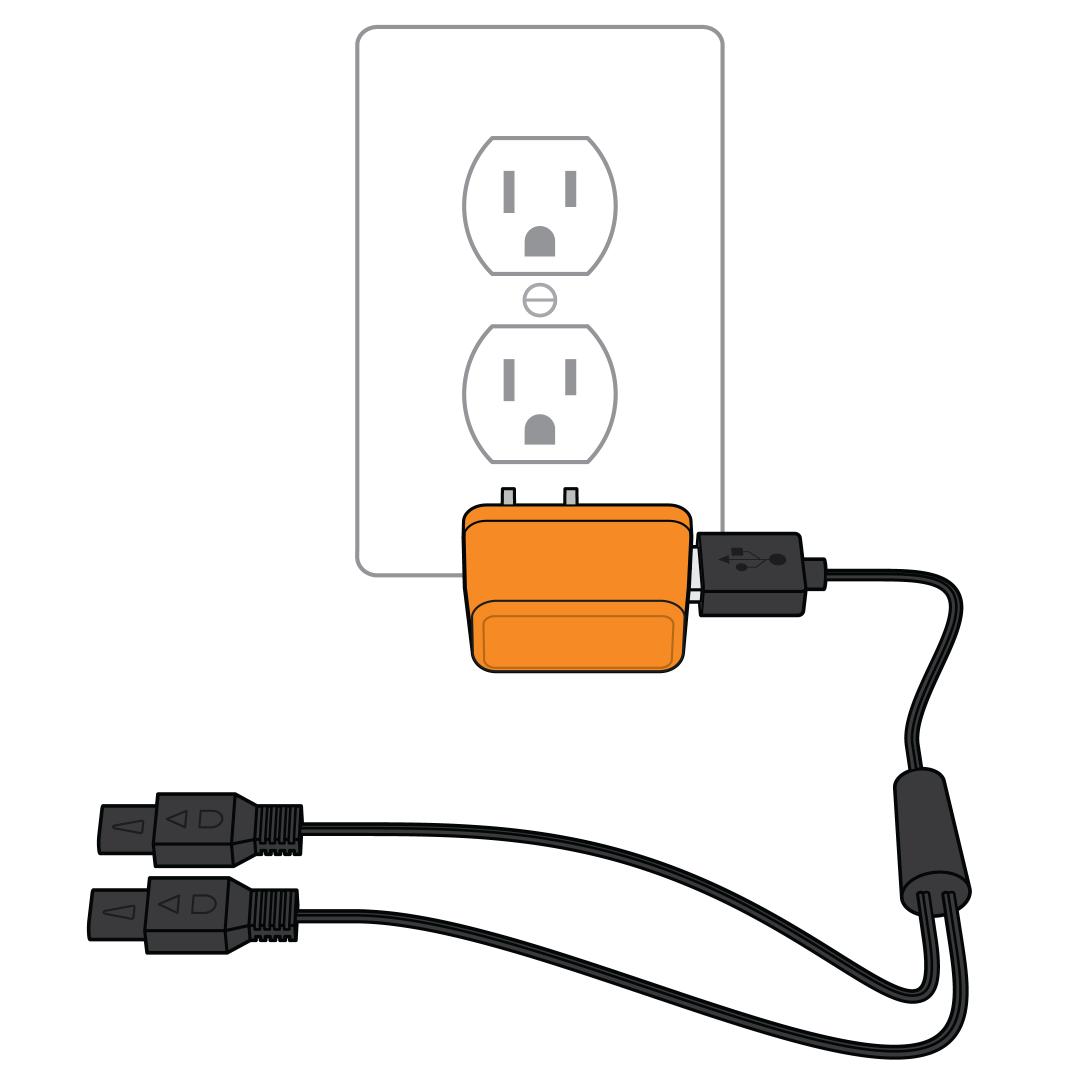
Plug the charger into a wall outlet. If you use a USB, connect to an adaptor first then into a wall outlet.
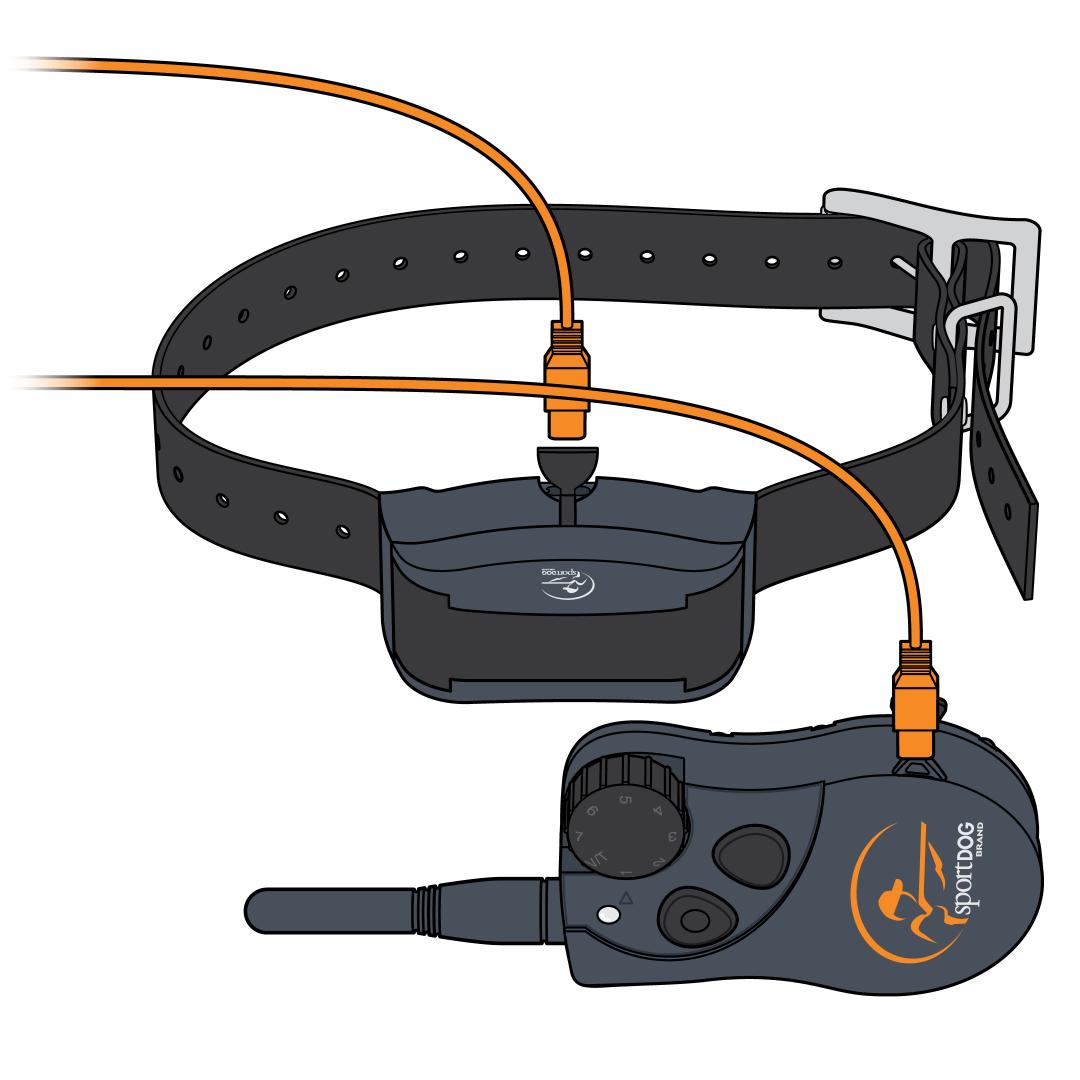
Plug the adaptor into the remote or collar. Lift the rubber charging cover on the remote or collar and insert the charger. Make sure to align the notch on the charger with the ridge in the charging port. Once the unit is connected to the charger, the light will be solid green.
Remove when the charge is complete. When the remote or collar is finished charging, the Indicator Light will flash green.
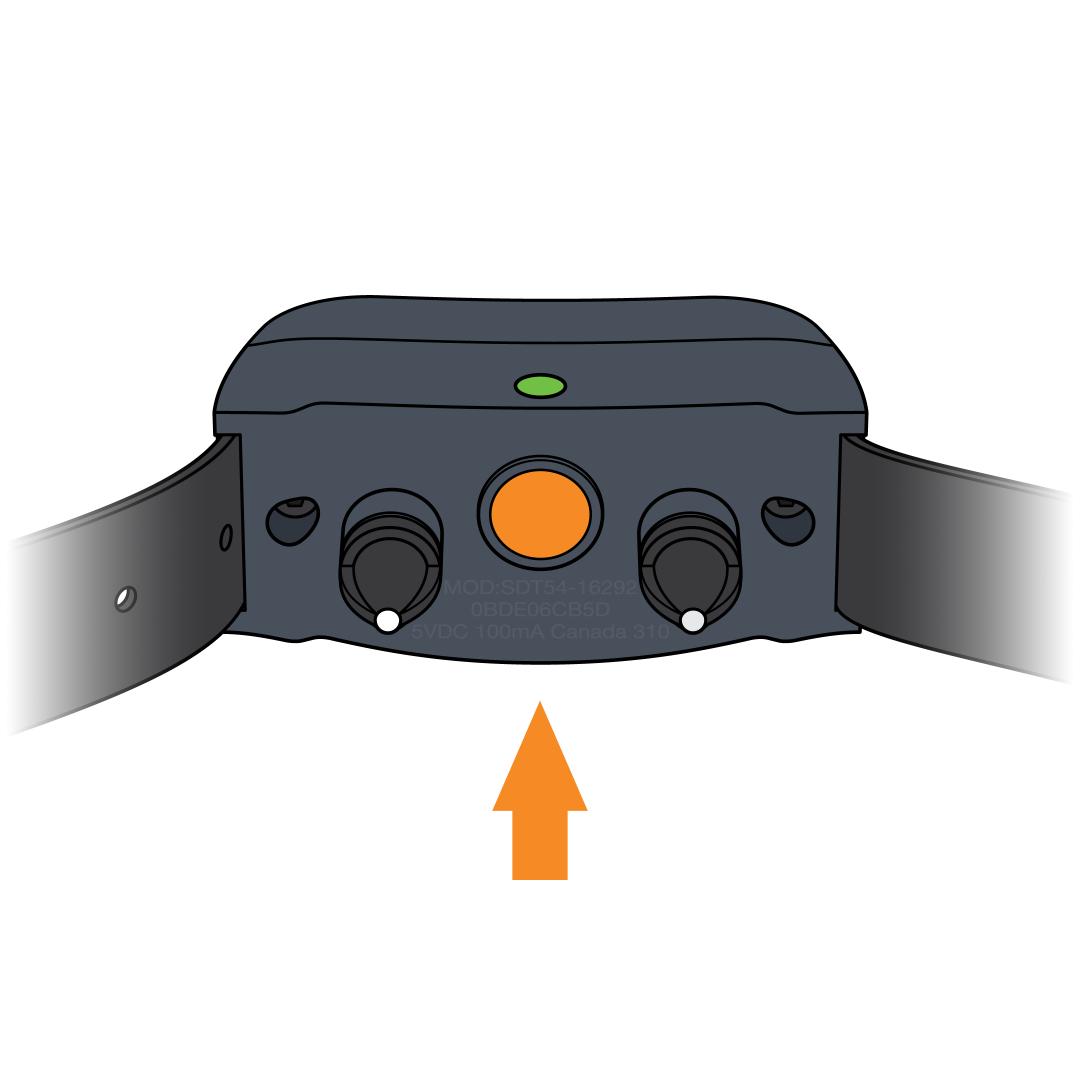
Power the collar on to continue normal operation. To power the collar on, press and hold the power button until you see the light on the collar glow green.