How To Change the Stimulation Range on My SportDOG® 425X, 425XS and 425XCamo
What Are Stimulation Ranges?
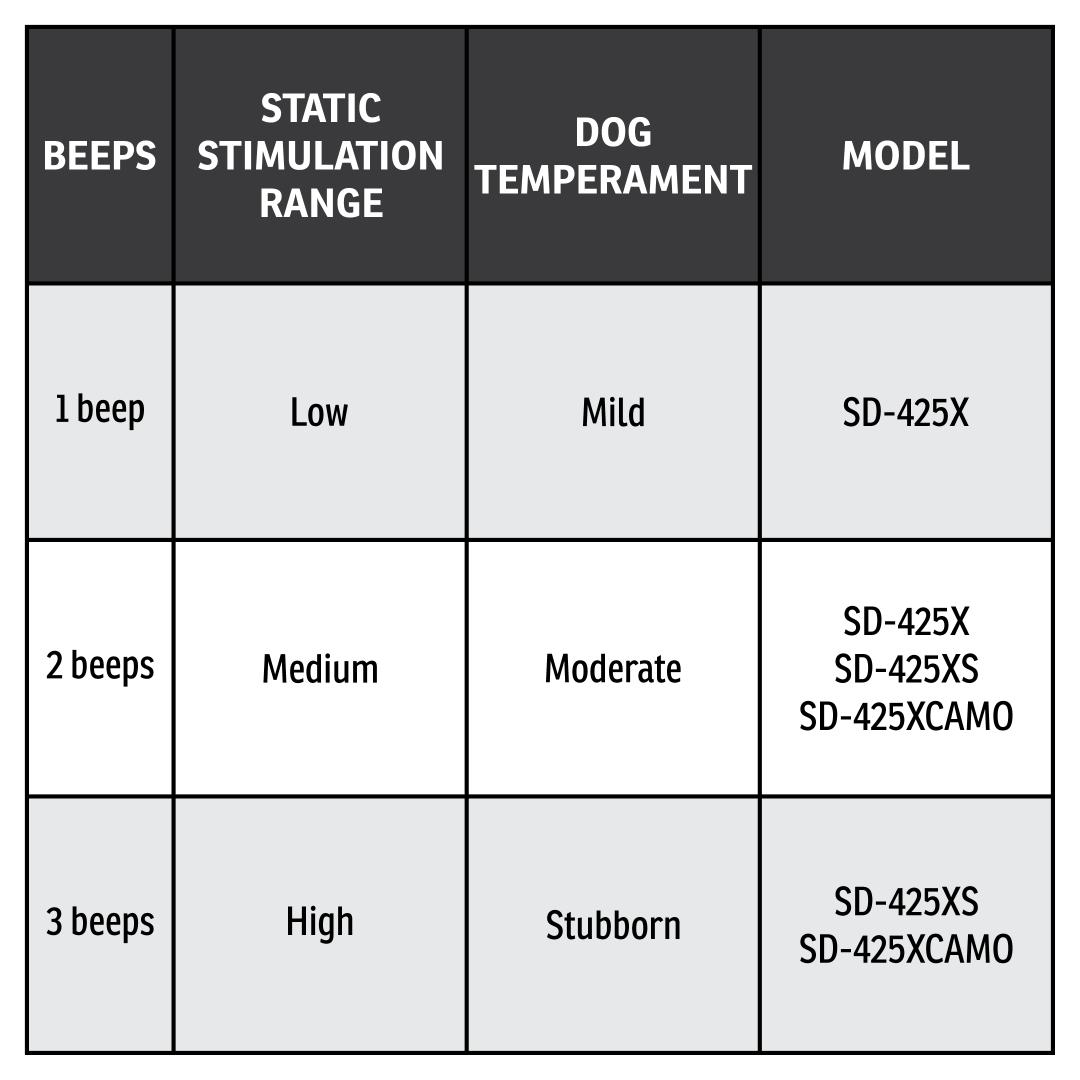
The stimulation range sets the overall stimulation strength of the collar: low, medium, or high. Within each range, you can still adjust the dial from 1 to 7 for fine-tuning. For example, medium at level 3 is stronger than low at level 3.
Your collar has 2 stimulation ranges and is factory set to medium. Refer to the chart above to find what stimulation ranges your collar has.
Modes 5 and 6 provide more “increments” to choose from within each stimulation range – a total of 21 levels of static stimulation.
For example, in mode 5 with the Intensity Dial set at 1, the Lower Button provides level 1 of 21, the Upper Button provides level 2 of 21, and the Side Button provides level 3 of 21.
Changing the Stimulation Range on your SportDOG E-Collar
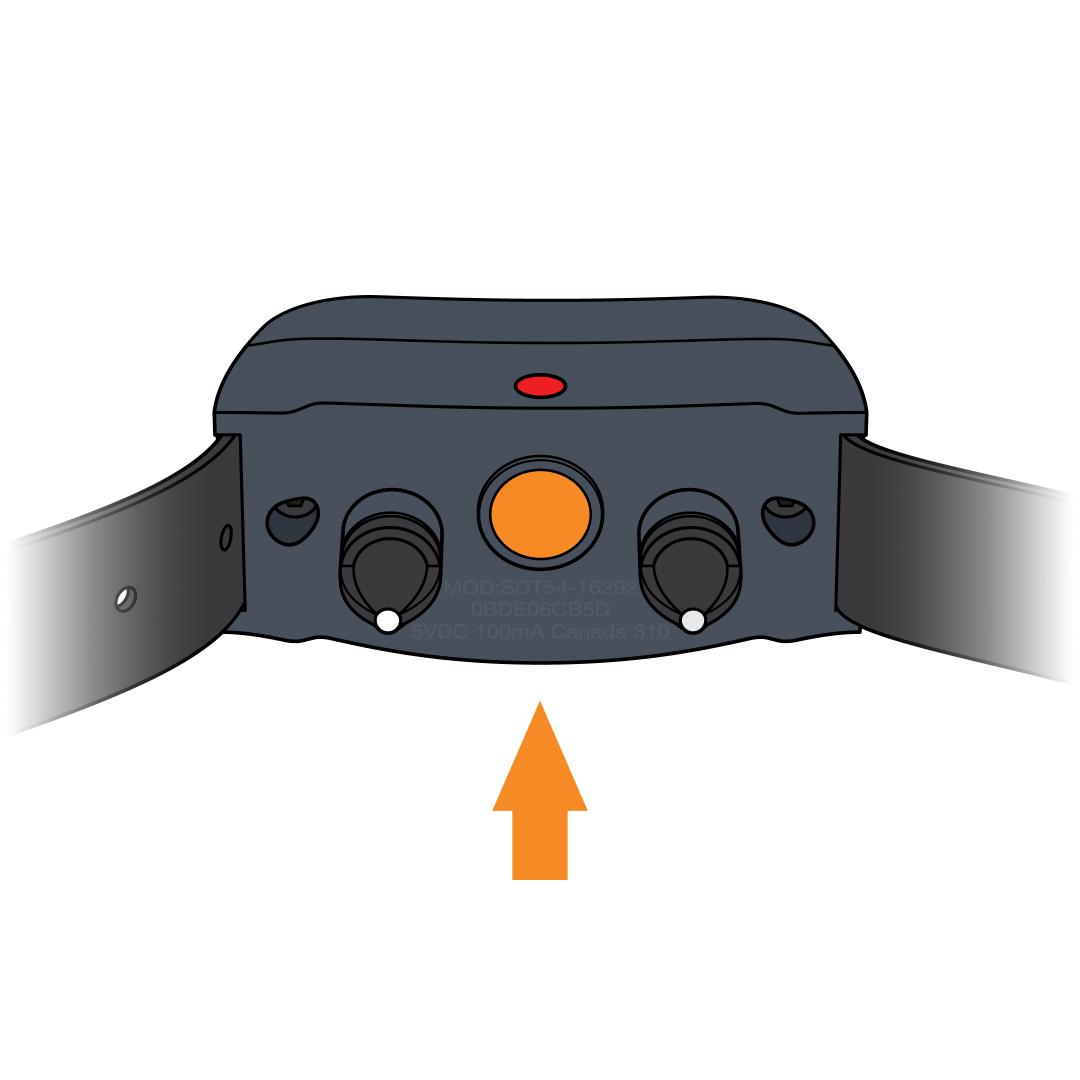
Ensure the collar is off. Wait 10 seconds and confirm no lights to confirm the collar is off. To turn it off, press and hold the power button until the light turns red.
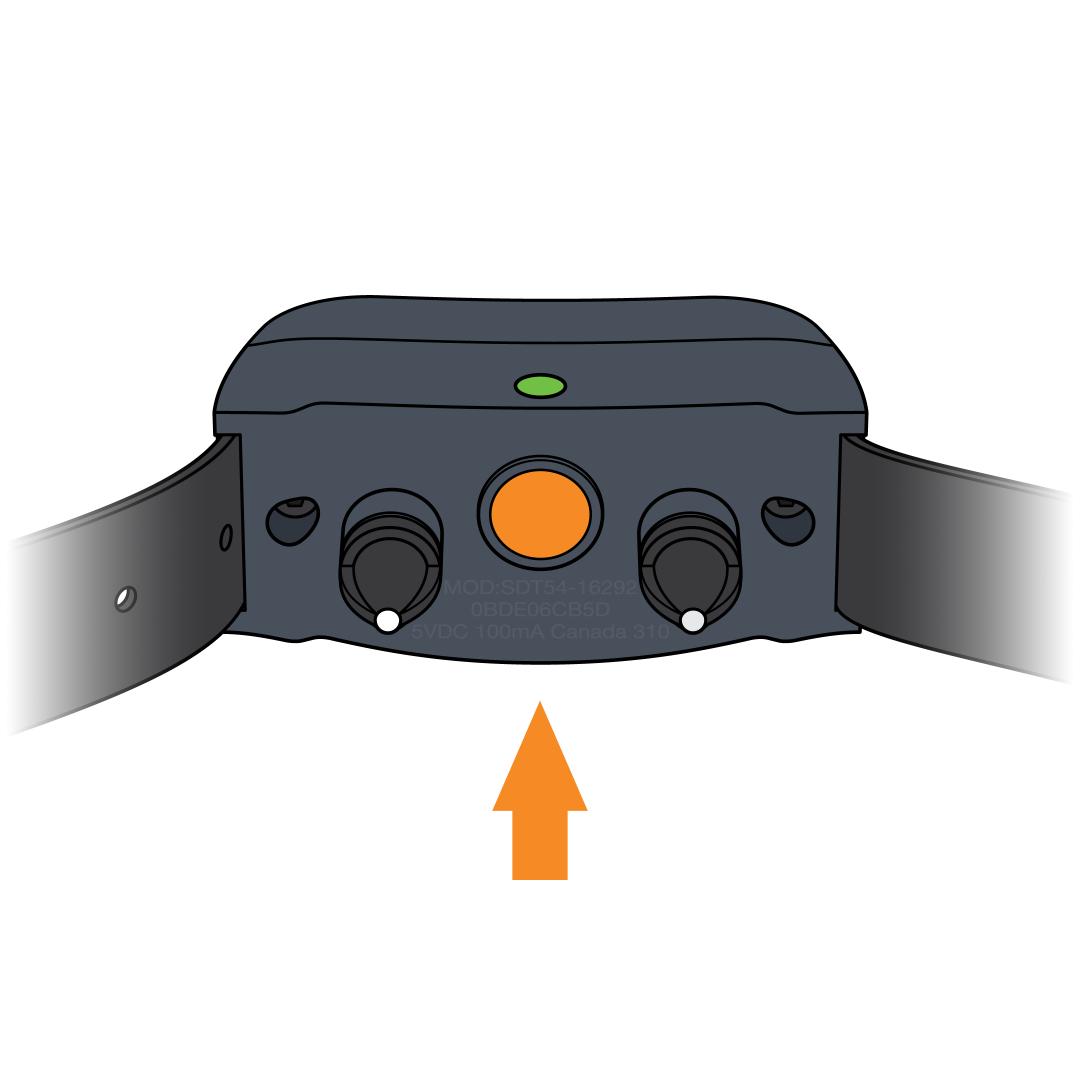
Turn the collar on. Press and release the power button to turn the collar on.
Enter stimulation range selection mode.
Immediately after the initial flash/flashes:
- Press and hold the power button.
- The Indicator Light will begin to flash orange. Do NOT let go
Select your range. Continue to hold the power button until the number of orange flashes matches the desired stimulation range, then release.
Tip: If you fail to release the power button on the desired stimulation range, continue to hold as the collar will cycle back through the options.
The collar will power off once the range is selected.
Confirm your selection. Turn the collar back on and count the number of green flashes or beeps.